
Bounce Metric in WhatsApp & RCS
Enhanced WhatsApp & RCS Failure Reporting with New Bounce Metrics
Overview
We have refined how message outcomes are reported for WhatsApp and RCS, aligning Netcore CE with industry standards. Previously, messages that could not be delivered, such as numbers that were not available on WhatsApp, were counted under Failed. This dragged down delivery metrics, unrelated to the campaign's actual performance.
With this release, we have:
- Made Sent a deterministic, Netcore-derived metric that is no longer dependent on channel webhooks.
- Clarified what Not Sent means and how it is reported.
- Introduced a new Bounce metric for WhatsApp and RCS.
- Updated the Failed % calculation to exclude bounced messages.
These changes apply uniformly across Broadcasts and Journeys, across WhatsApp and RCS.
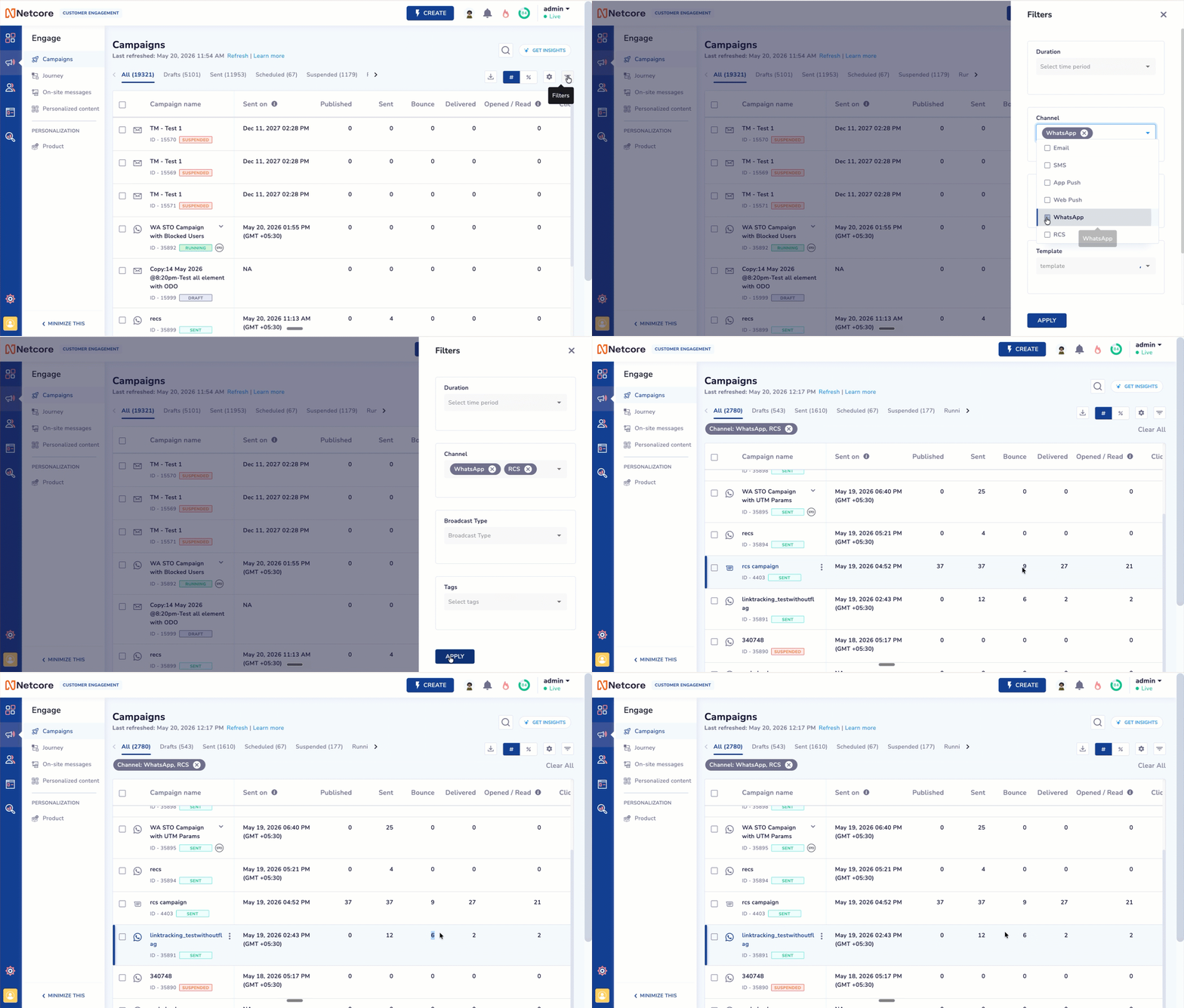
Introducing Bounce Metric in WhatsApp & RCS
What Is Changing
1. Not Sent
Not Sent indicates messages that were dropped at Netcore's end due to business logic before being handed off to the channel. The most common reason is frequency capping, but any business rule that prevents a message from being sent contributes to this count.
- Customers are not charged for Not Sent messages.
- Not Sent counts help you understand how internal business rules are influencing your send volume.
2. Bounce (New Metric)
We have introduced a new Bounce metric for WhatsApp and RCS. All invalid and unreachable numbers are now classified under Bounce instead of being mixed into Failed counts.
This includes:
- Numbers not available on WhatsApp (status received from the channel).
- Numbers not reachable or invalid on RCS.
- Any other unreachable or invalid recipient numbers reported by the channel.
How Each Metric Is Calculated
| Metric | Formula / Source |
|---|---|
| Published | Sent + Not Sent |
| Sent | Bounce + Delivered + Failed + Submitted |
| Not Sent | Messages dropped at Netcore's end due to business logic (e.g., frequency capping) |
| Submitted | Waiting for pingback (mirrors Sent until terminal status is received) |
| Bounce | Based on channel error codes (see WhatsApp and RCS error code references) |
| Delivered | Direct pingback count from Meta / Google |
| Failed | Direct pingback count from Meta / Google |
Example: How 100 Published Messages Flow Through the Metrics
Suppose you publish a broadcast to 100 contacts.
Step 1: Published splits into Sent and Not Sent
| Metric | Count |
|---|---|
| Published | 100 |
| Sent | 90 |
| Not Sent | 10 |
10 messages were dropped at Netcore's end due to business logic (e.g., frequency capping) and are marked Not Sent. The remaining 90 are successfully handed off to the channel and counted as Sent.
Step 2: All 90 Sent messages show up in Submitted
The moment a message is Sent, it is also reflected under Submitted, where it waits for a pingback (terminal status) from the channel.
| Metric | Count |
|---|---|
| Submitted (waiting for pingback) | 90 |
Step 3: Pingbacks arrive and messages move to their final state
As the channel returns terminal statuses, each of the 90 messages settles into one of three buckets:
| Metric | Count | Source |
|---|---|---|
| Delivered | 10 | Direct pingback from channel |
| Bounce | 10 | Channel error code (e.g., 131026, 8018) |
| Failed | 10 | Direct pingback from channel |
| Still in Submitted (no pingback yet) | 60 | — |
Submitted decreases as pingbacks arrive. A message stays in Submitted only until its terminal status is received.
Final view (once all pingbacks are received)
| Metric | Count |
|---|---|
| Published | 100 |
| Sent | 90 |
| └─ Delivered | 30 |
| └─ Bounce | 30 |
| └─ Failed | 30 |
| Not Sent | 10 |
| Submitted | 0 |
This confirms the formulas:
Published (100) = Sent (90) + Not Sent (10)✓Sent (90) = Delivered (30) + Bounce (30) + Failed (30) + Submitted (0)✓
Current vs. New Behaviour
The clearest way to understand this change is to look at how specific WhatsApp error codes were treated before and after the release.
WhatsApp: Error Code 131026: Message undeliverable
131026: Message undeliverableCurrent behaviour
This error code was counted in both the Failed and Sent counts, which double-counted the message and pulled Failed % down.
New behaviour
This error code is now classified under the new Bounce metric. It is no longer counted as Failed.
WhatsApp: Error Code 8018: Number is not reachable on WhatsApp
8018: Number is not reachable on WhatsAppCurrent behaviour
This error code was counted in both the Failed count and the Sent count.
New behaviour
This error code is now classified under the new Bounce metric. It is no longer counted as Failed.
Error Codes
| Error Code | Channel | Description | Earlier Classification | New Classification |
|---|---|---|---|---|
131026 | Message undeliverable | Failed + Sent | Bounce | |
8018 | Number not reachable on WhatsApp | Failed + Sent | Bounce | |
46 | RCS | RCS not enabled numbers | Not Sent | Bounce |
1045 | RCS | Number is RCS disabled | Failed | Bounce |
2045 | RCS | User not found | Failed | Bounce |
Why This Matters
The Failed % calculation becomes more accurate and will no longer drop because of numbers that were never reachable on the channel.
Updated Failed % Formula
Failed % = Failed/Sent * 100This gives you a true view of how your messages are performing among recipients who could actually receive them.
Where Bounce Data Is Available
This is an important distinction to keep in mind when working with Bounce data:
✅ Available in Reports
Bounce is surfaced in:
- Broadcast Summary and Detailed Reports
- Journey Summary and Detailed Reports
- Campaign listing page (as a reporting metric)
- Report Scheduler (selectable column)
❌ Not Available in Engagement Event Tracking
Bounce data is not tracked as an engagement event, which means it is not available in:
- Segmentation: You cannot build a user segment based on Bounce.
- Triggers: Bounce cannot be used as a trigger for journeys or campaigns.
- Conditions: Bounce cannot be used as a condition node within a Journey.
- Analytics on engagement events: Bounce is not exposed alongside other engagement events such as Delivered, Read, or Clicked.
WhyBounce represents a channel-level reachability outcome rather than a user-level engagement event. Treating it as an engagement event would introduce noise into user-behaviour workflows.
Impact After Release
Note for customersOnce this change is released, you may notice a shift in your delivery metrics. Failure count will reduce and Failed % may appear lower initially as the new Bounce classification takes effect. This is expected behaviour, not a regression; the underlying deliverability of your campaigns has not changed, only how it is reported.
You will also see:
- More stable Sent counts, as messages that were never reachable are no longer included.
- Clearer separation of failure types: Bounce (unreachable/invalid) vs. Failure (delivery failed despite the number being valid).
- Consistent metric definitions across WhatsApp and RCS, and across Broadcasts and Journeys.
Refer to this sheet to view the reports available on the Netcore CE dashboard.
Coming Soon: Behaviour of Report Scheduler
| Report | Campaigns | Journey |
|---|---|---|
| Summary Report | Coming Soon | Available |
| Detailed Report | Available | Available |
To include Bounce in a scheduled report:
- Navigate to Reports → Report Scheduler.
- Open the scheduled report you want to update, or create a new one.
- In the Columns / Metrics dropdown, explicitly select
Bouncealongside your other metrics. - Save the schedule.
This applies to scheduled reports for Broadcasts and Journeys on:
- RCS
TipReview existing scheduled reports after the release and add Bounce wherever you want a complete picture of undeliverable messages.
Updated about 1 month ago